Clicker. Turn your iPhone into a trackpad, keyboard and universal remote for your Mac, Apple TV, Fire TV and Google TV.
- Role
- Founder · product, design and engineering
- Platform
- iPhone, Mac
- Status
- Building
- Stack
- Swift, SwiftUI, Network framework and Bonjour, Core Graphics events, StoreKit 2, Sparkle, XcodeGen, fastlane
Overview
Clicker turns an iPhone into a trackpad, keyboard and universal remote for a Mac, Apple TV, Fire TV and Google TV. It’s a SwiftUI app for iPhone plus a small menu-bar companion app for the Mac.
Why I built it
I wanted one pocket-sized surface that could stand in for whatever input device is missing: a mouse that dies mid-task or gets left behind, a remote lost in the couch, a room to present to with no clicker. Your phone is always with you, and it’s almost always charged.
What it does
- Trackpad: move, left and right click, two-finger scroll with momentum, pinch to zoom, three-finger system gestures and drag to select, with finger trails and haptics.
- Keyboard: the full system keyboard with emoji and dictation, ⌘ shortcuts, arrow and function keys, and a number pad, sent to whichever device you’re controlling.
- Remote: a D-pad with Back, Home and Settings, and the iPhone’s own volume buttons driving the TV.
- Presenter: drive slides from across the room, with a live preview of the current slide on the phone.
- Setup that finds the TV for you: it scans the local network for Fire TVs and explains what’s blocking a connection when one fails.
How it’s built
Both halves are Swift. The Mac companion is a Swift package that lives in the menu bar, advertises itself over Bonjour, and turns messages from the phone into real input events through Core Graphics. That needs Accessibility access, which the App Store sandbox doesn’t allow, so the companion ships as a notarized download and updates itself with Sparkle.
Fire TV and Google TV don’t need the Mac at all. The iPhone app carries its own ADB client in pure Swift, covering the RSA handshake and the wire protocol, so the phone talks to the TV directly over Wi-Fi. It keeps one shell open to the TV, which cuts the lag on D-pad presses. Apple TV’s protocol is closed, so it goes through the Mac companion.
The companion won’t apply any input until the phone enters a pairing code shown in its menu bar, so nobody else on the Wi-Fi can drive your Mac. Presenter mode only captures the Mac’s screen while the presenter view is open on the phone, and because it works from pixels, it works with any slide app.
Where it is now
Clicker is in testing on TestFlight and isn’t on the App Store yet. The iPhone app needs iOS 17 or later, and the Mac companion is a free download from the site. The plan is a one-time $4.99 unlock with no subscription.
- 1 / 6
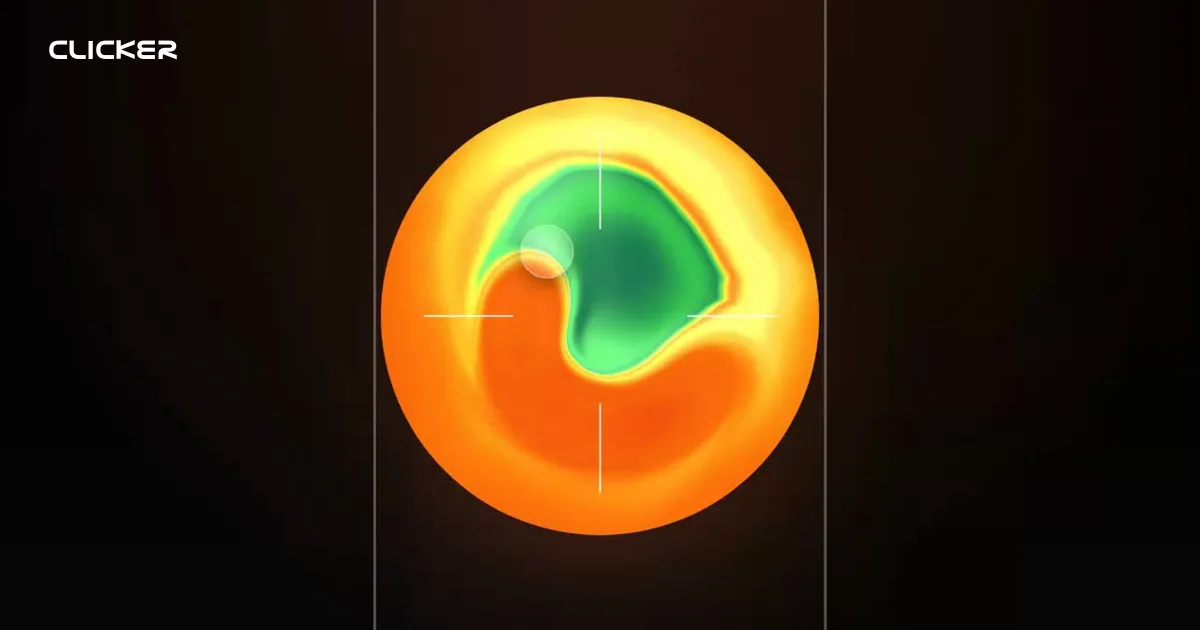
The trackpad surface, with its thermal disc and finger indicator. - 2 / 6
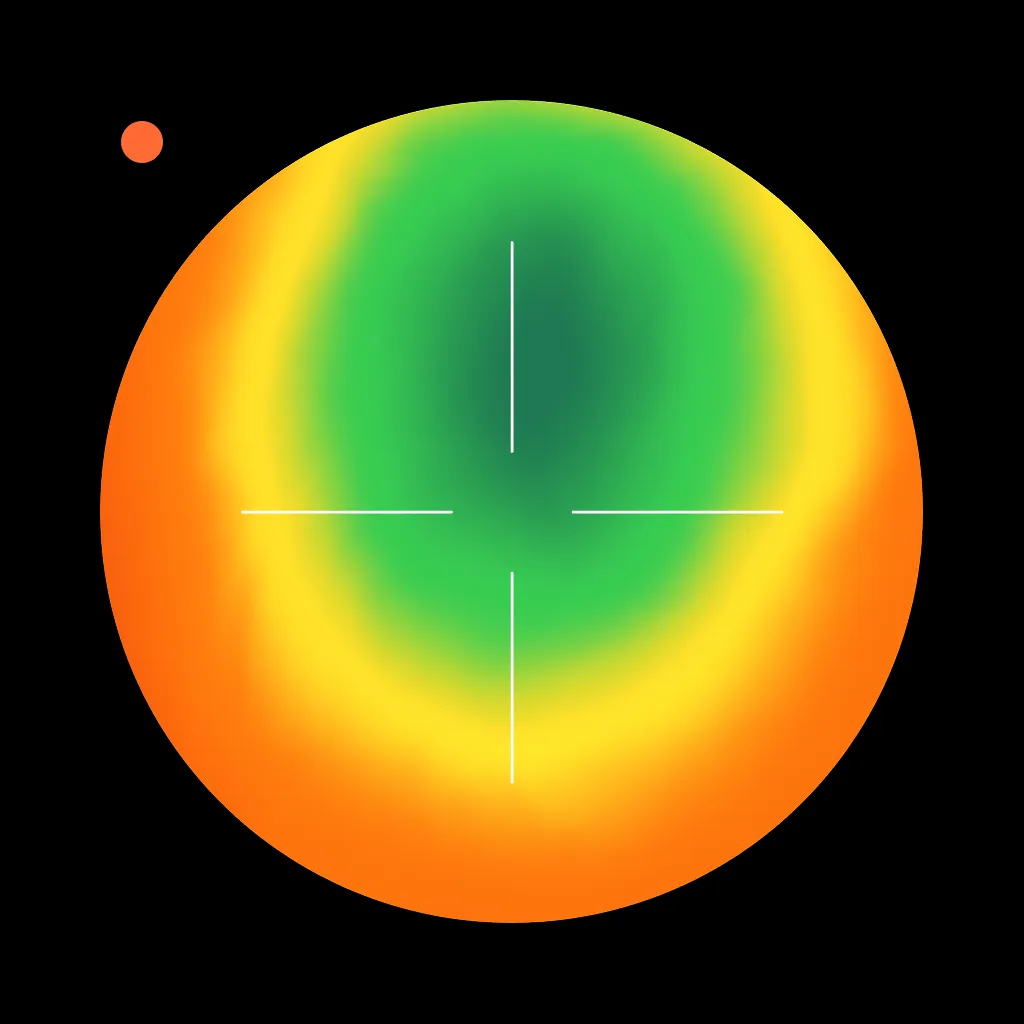
The menu-bar Mac companion that turns phone input into real Mac events. - 3 / 6
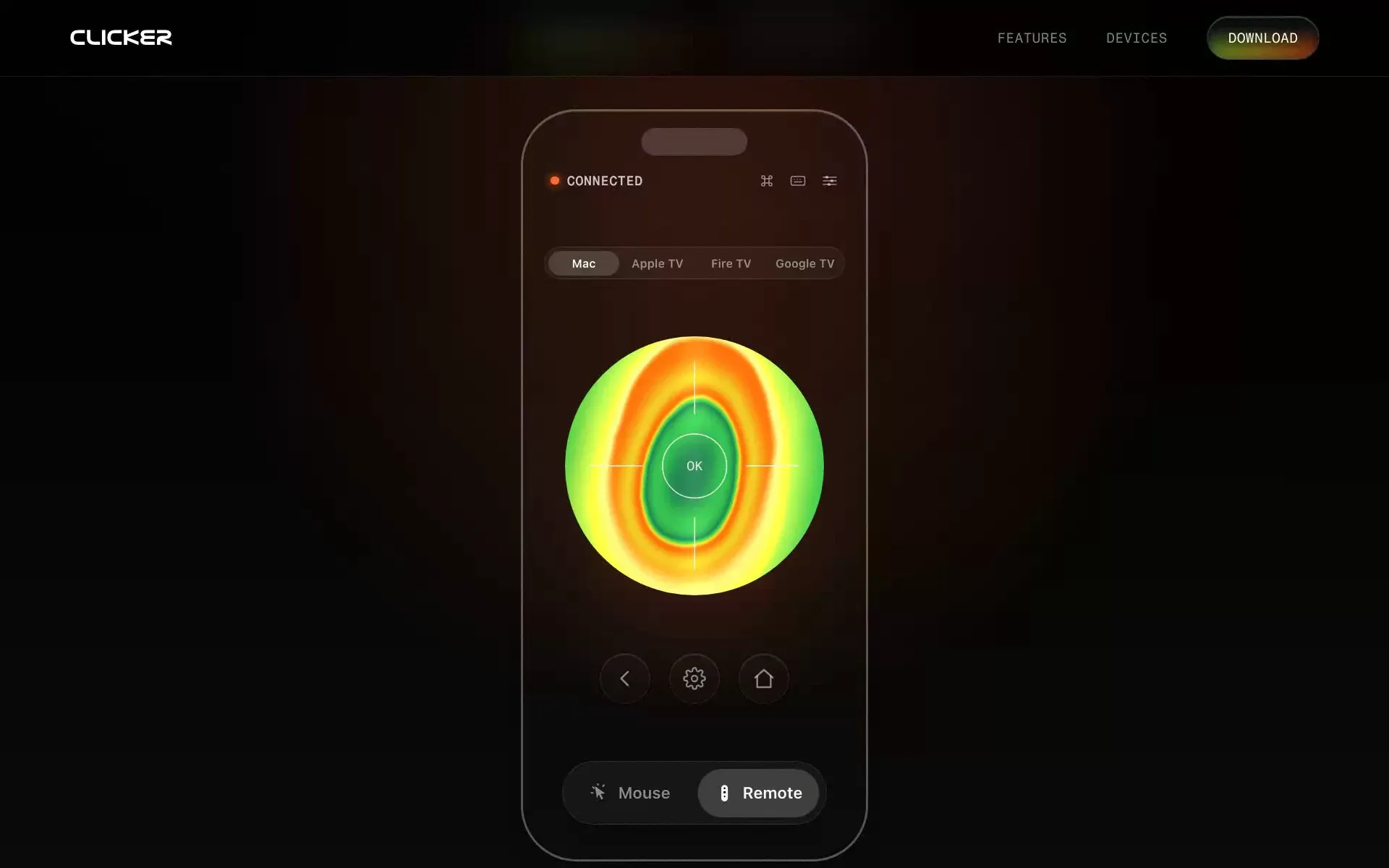
Remote mode: pick a device, then steer with the disc. - 4 / 6
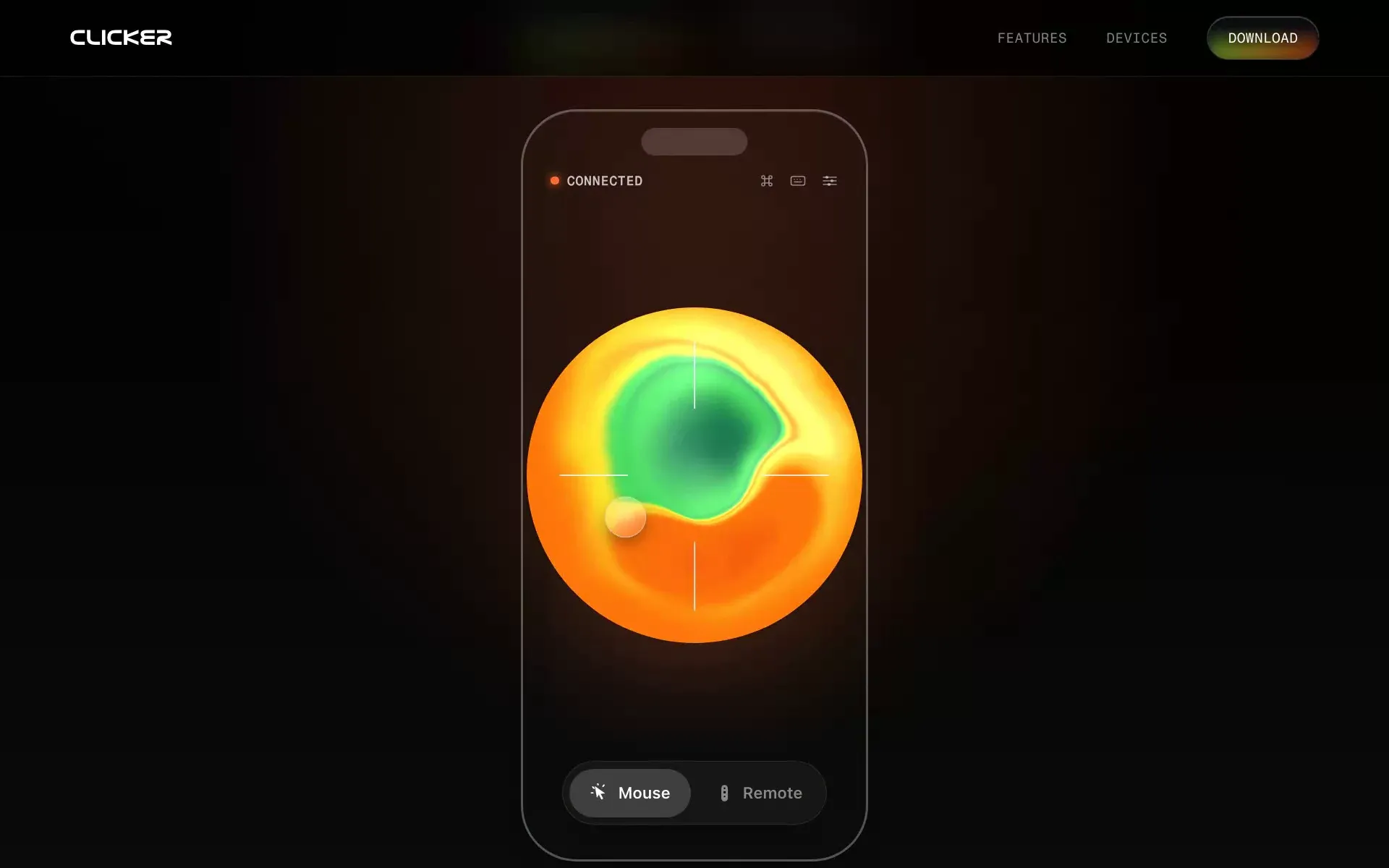
Mouse mode, with shortcuts and the keyboard a tap away. - 5 / 6
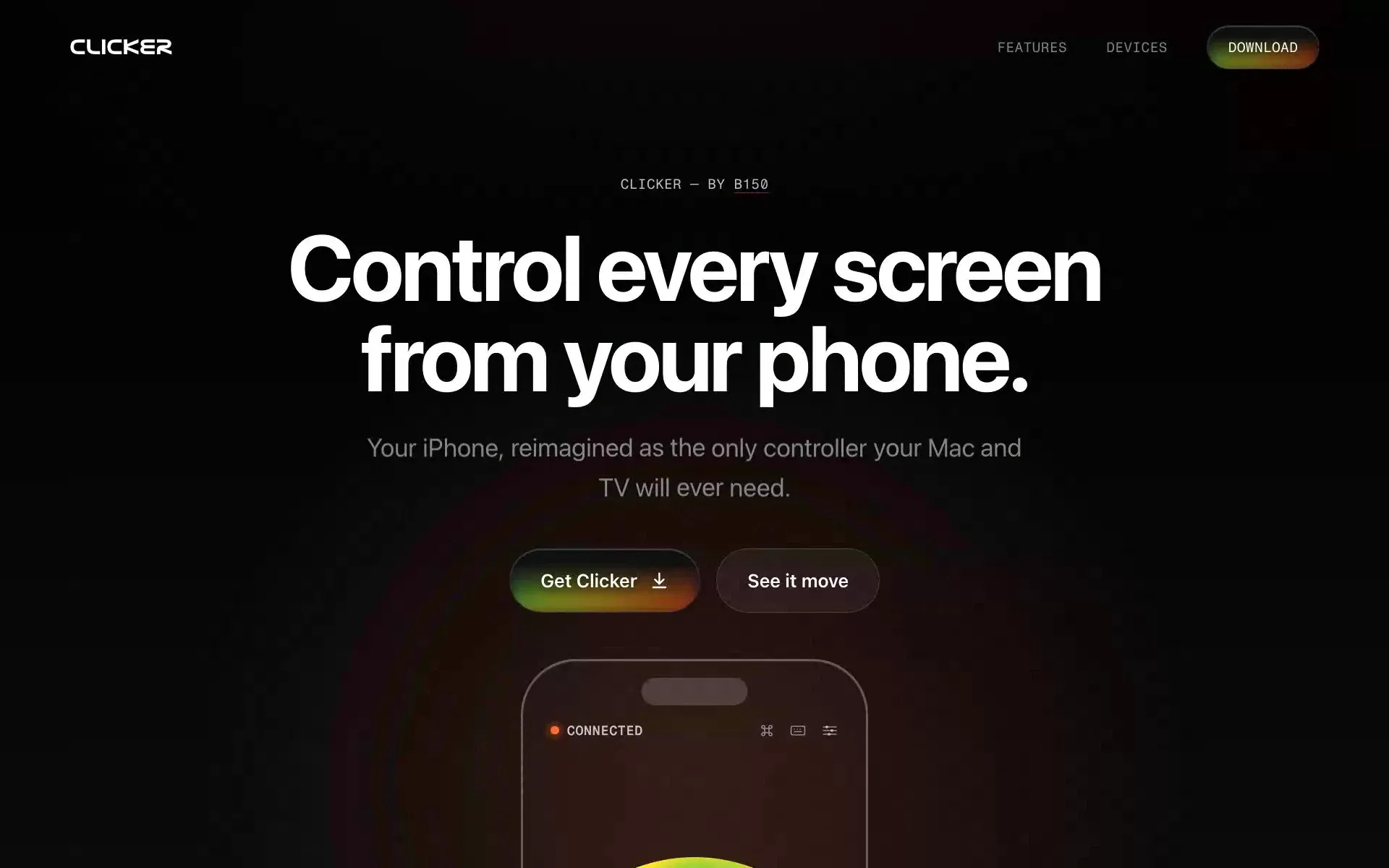
The landing page. - 6 / 6
The brand: Nasalization Ext and a thermal palette on black.