Walkie. Speak, and polished text lands in any app. Record a call and get notes with who said what. Select anything to hear it in 950+ voices.
- Role
- Solo founder · product, design and engineering
- Platform
- Mac, Windows, Linux, iPhone, Android
- Status
- Launched
- Stack
- Tauri, Rust, React, TypeScript, Expo, Swift, Kotlin, Supabase
Overview
Walkie is a voice app for your desk and your phone. Hold a shortcut, talk, and clean text lands in whatever app you’re in. Record a call and get notes with who said what. Highlight any text and Walkie reads it back. It’s for people who write all day, in email, chat, docs and AI prompts, and would rather talk.
Why I built it
Most voice tools are cloud-only: your audio goes to someone’s server whether or not it should leave the machine. I wanted one app where that’s an explicit choice. On-Device Mode runs the speech model on your computer, works with Wi-Fi off and needs no account. Cloud Mode sends the clip for faster transcription and cleanup, then discards it. Then I followed where talking happens: onto the phone, and into meetings, which don’t wait until you’re back at a desk.
What it does
- Dictation anywhere. System-wide on Mac, Windows and Linux; a keyboard on iPhone and Android.
- Cleanup in Cloud Mode. Strips filler words, fixes grammar, and on macOS formats for the app you’re in: an email gets a greeting and sign-off, a chat stays on one line.
- A dictionary that learns. Fix a word after it’s pasted and Walkie offers to remember it.
- Meetings. Records both sides of a call with no bot joining, then writes speaker-labelled notes and action items.
- Read Aloud. 950+ voices with word-by-word highlighting, from a shortcut, a dropped PDF or the right-click menu.
- MCP connector. Claude, Cursor and other MCP clients can search and read your meetings, read-only.
How it’s built
The desktop app is Tauri: a Rust core handles audio capture, voice activity detection, transcription and pasting, under a React and TypeScript interface. On-device speech runs Whisper, Parakeet or Moonshine models, and an on-device voice can read aloud with no network. On macOS, meetings capture system audio through a Core Audio process tap, so your mic and the other side of the call arrive as separate streams. Cloud Mode, cloud voices and the voice agent go through Cloudflare Workers proxies, with accounts and sync on Supabase.
On mobile, the companion app is Expo and React Native, but dictation lives in native code: a Swift keyboard extension on iPhone and a Kotlin input method on Android. The MCP server ships inside the desktop binary and reads the meeting database on your disk, with no server in between.
Where it is now
Launched. The desktop app is on version 1.20.11 for Apple Silicon Macs and Windows 10+, with an experimental Linux build. The phone app is on the App Store and Google Play. On-device dictation is free with no word limit; Pro, Work and Team plans add unlimited Cloud Mode, meetings and a shared team workspace. The MCP connector is open source at github.com/adamperlis/walkie-mcp.
- 1 / 8
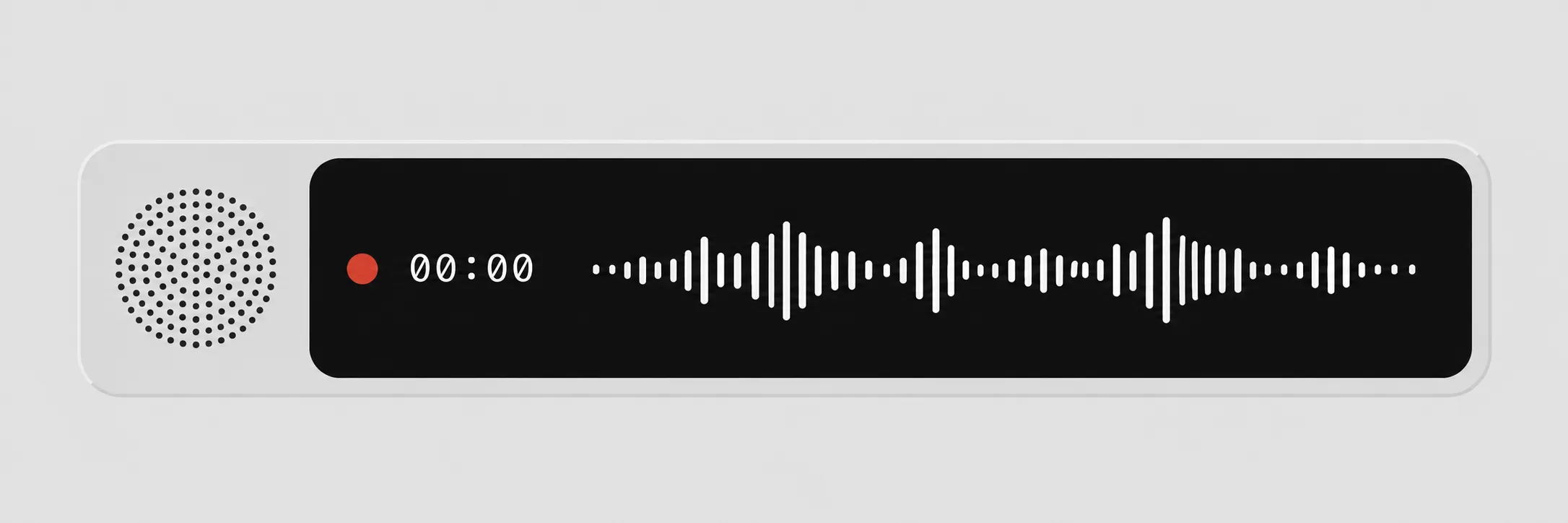
The overlay that appears while you hold the shortcut and talk. - 2 / 8
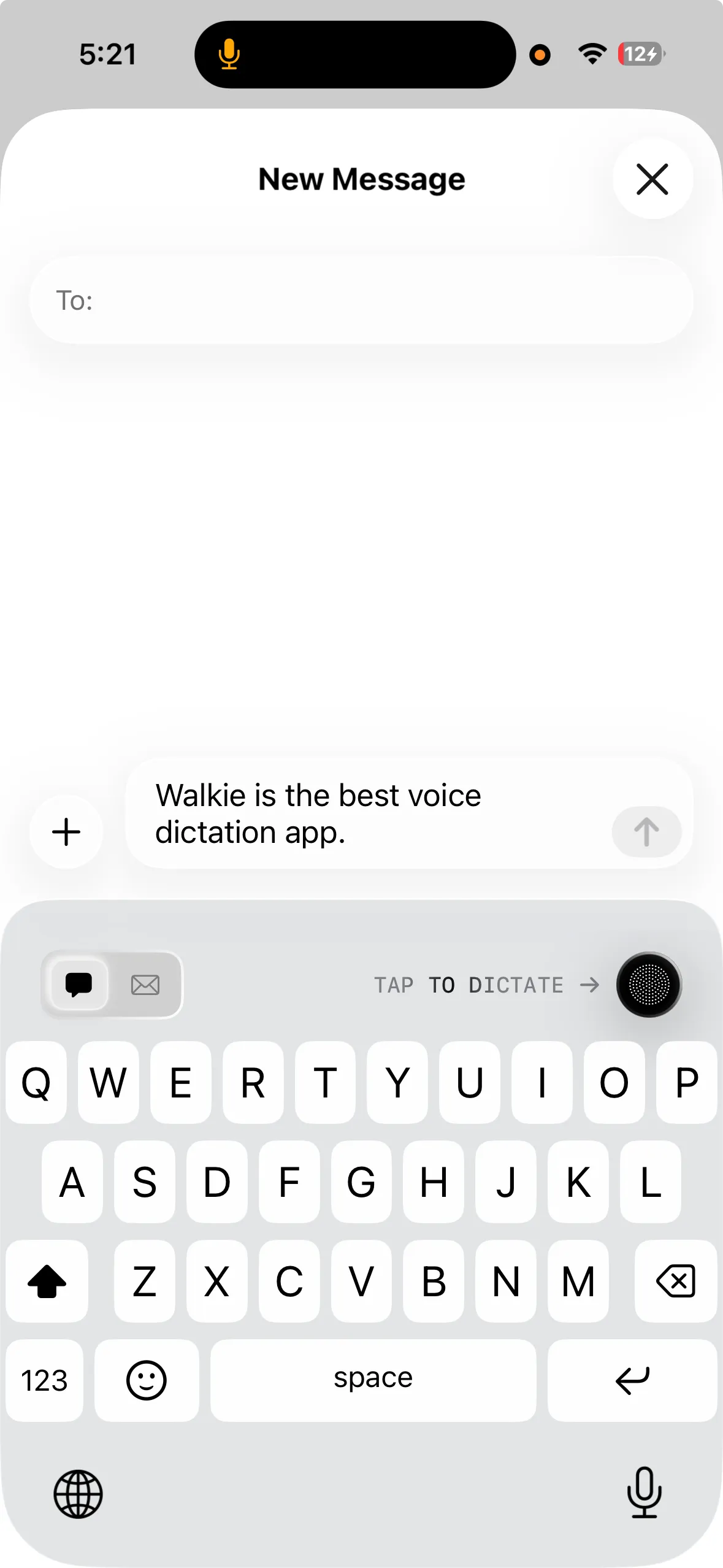
On iPhone, Walkie is a keyboard, so dictation works in any app. - 3 / 8
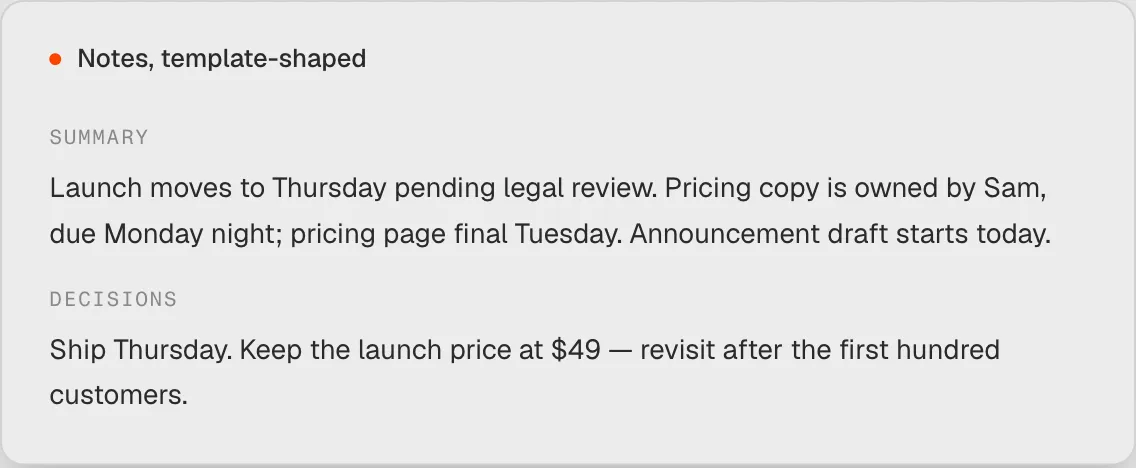
Meeting notes, written from the transcript in a template's shape. - 4 / 8
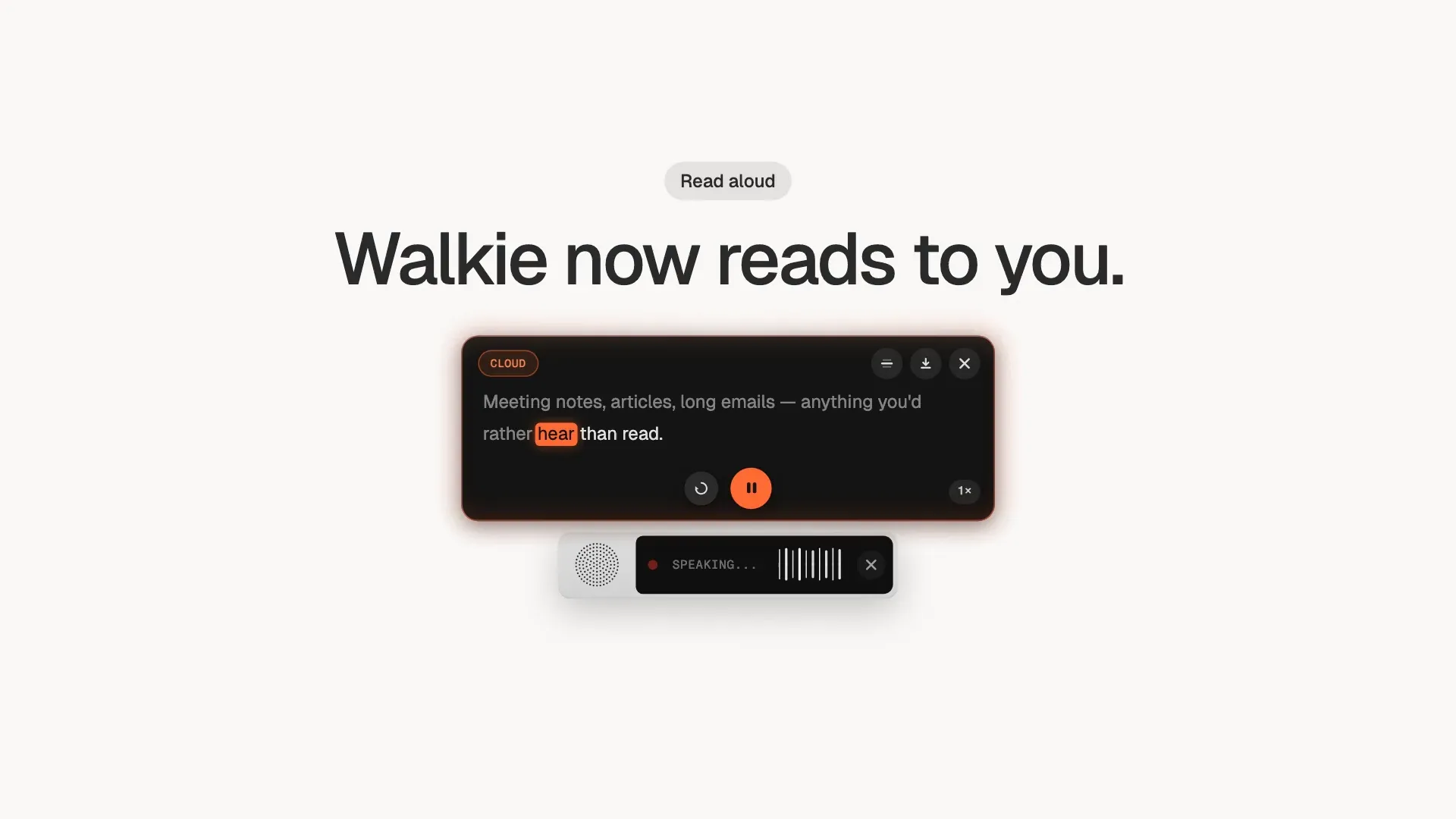
Read aloud on the Mac, highlighted word by word. - 5 / 8
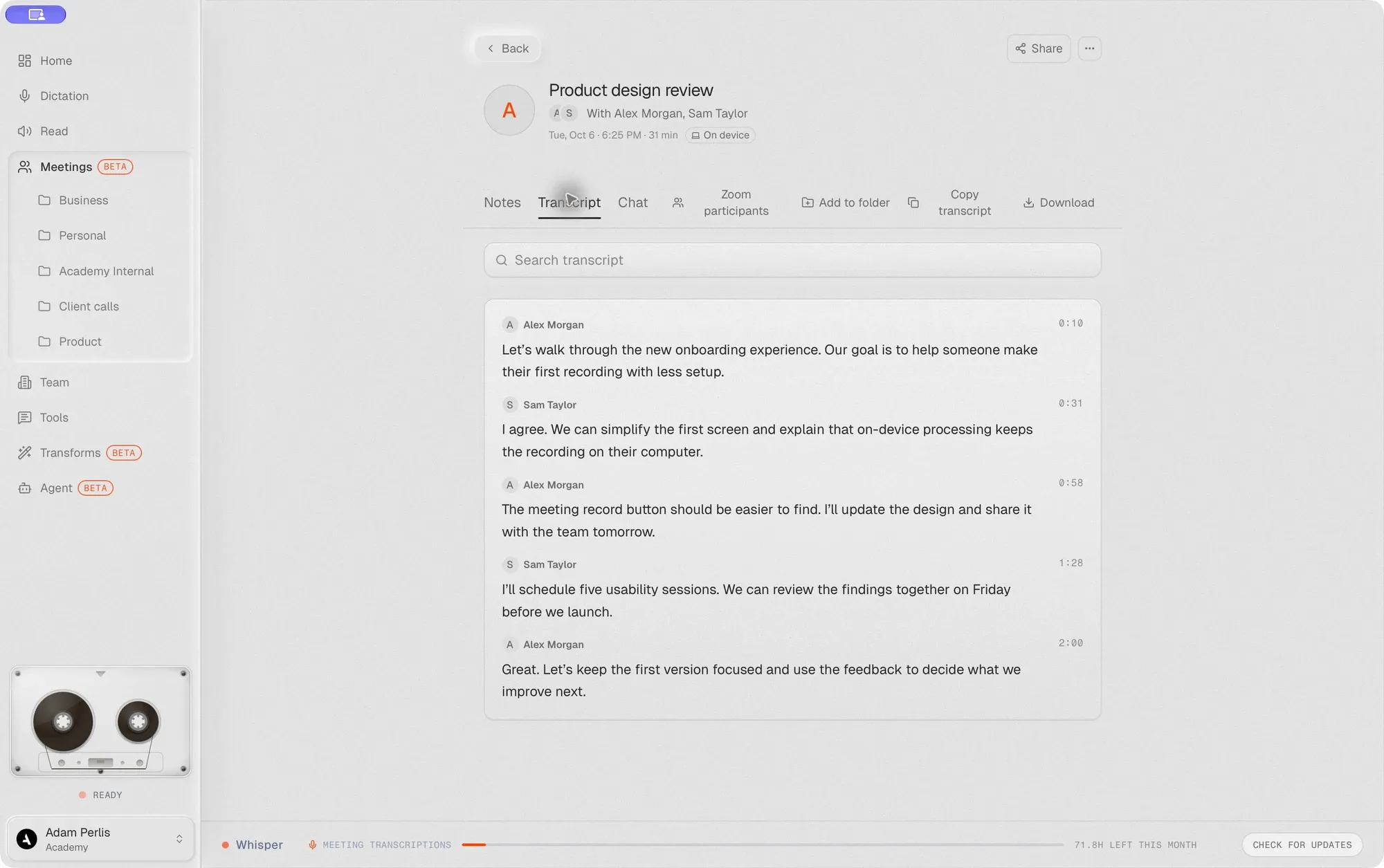
A meeting transcript with speaker names, in the desktop app. - 6 / 8
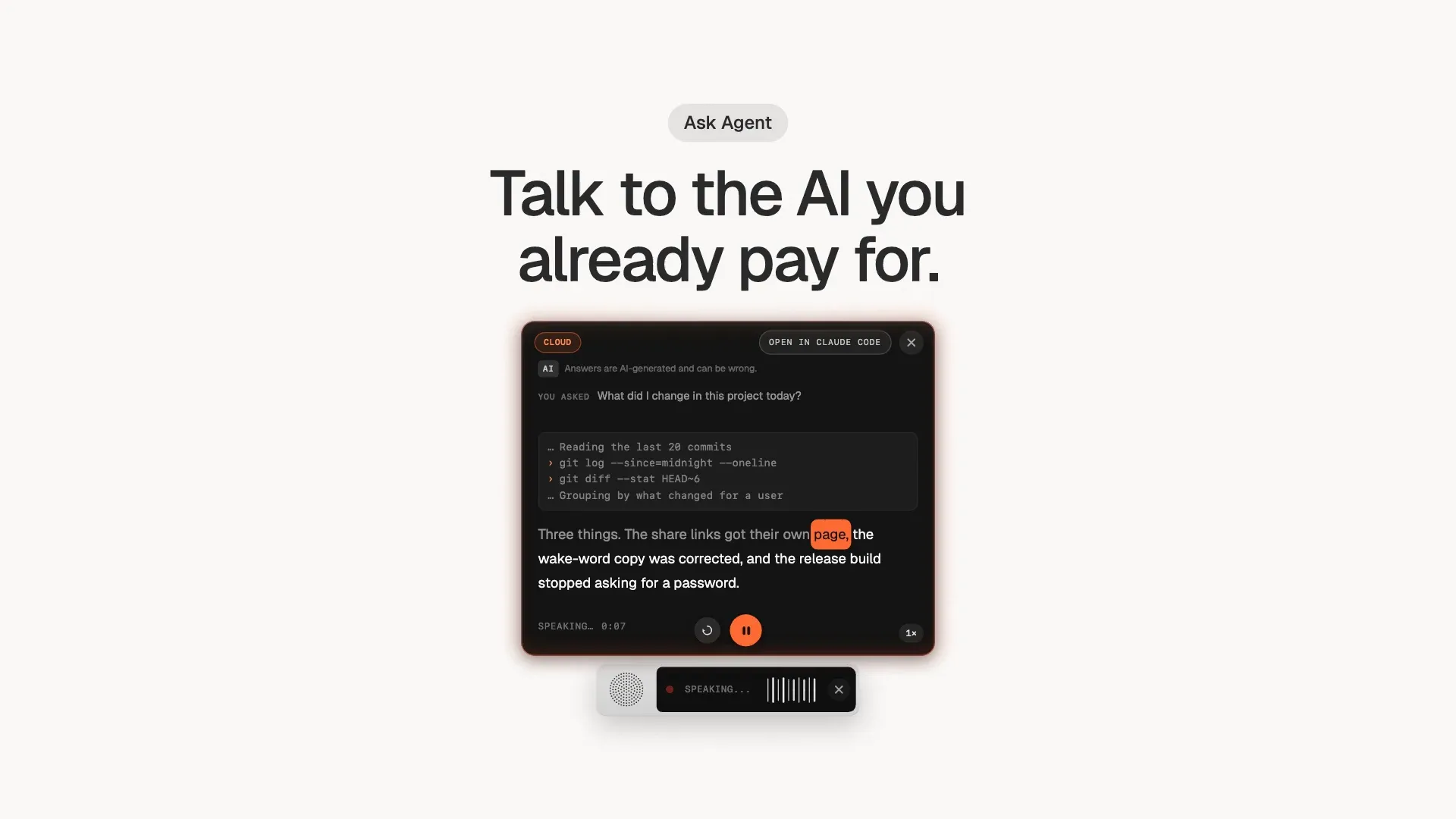
Ask Agent answers out loud, using the AI tools you already have. - 7 / 8
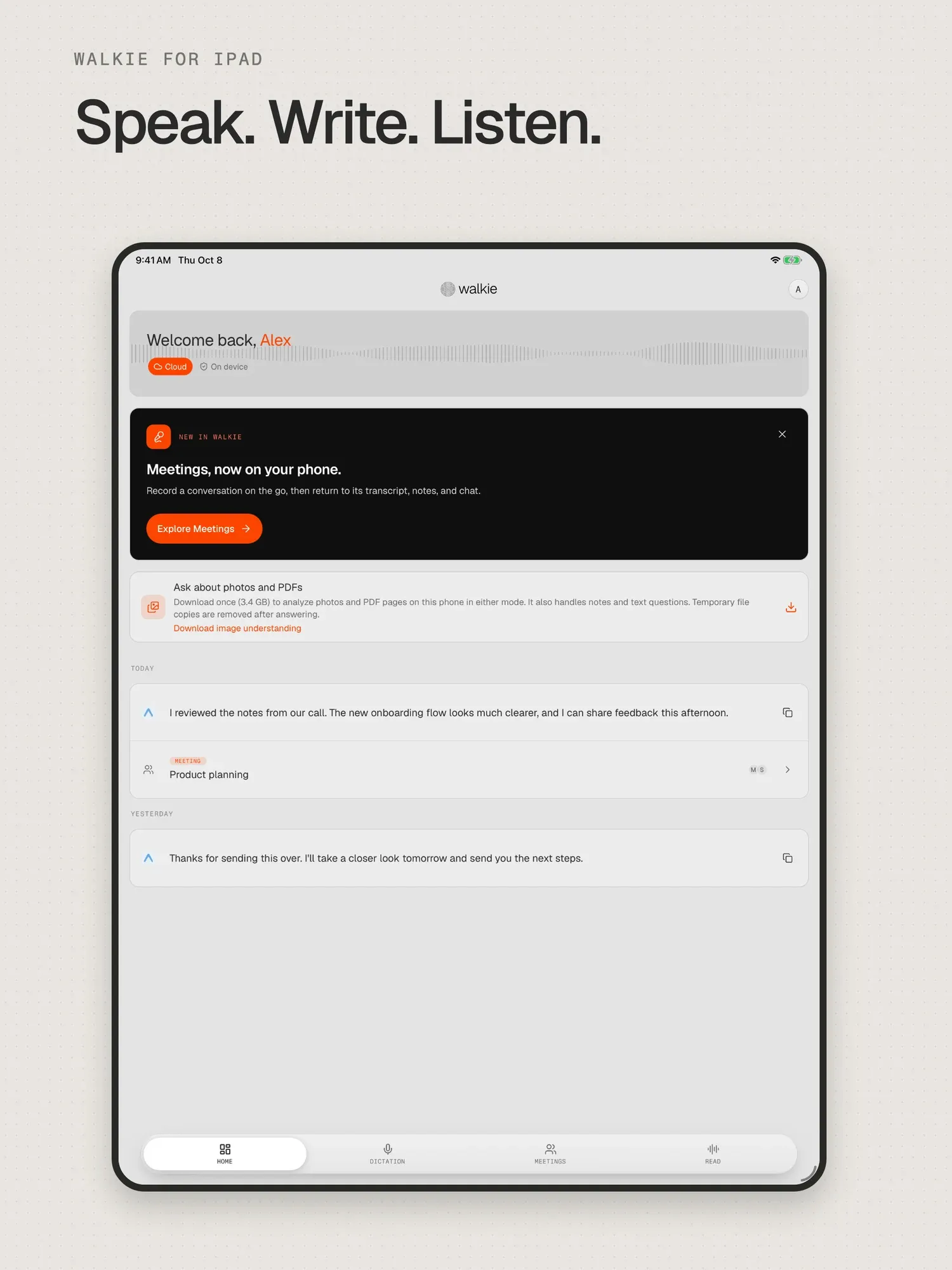
Walkie's home screen on iPad. - 8 / 8
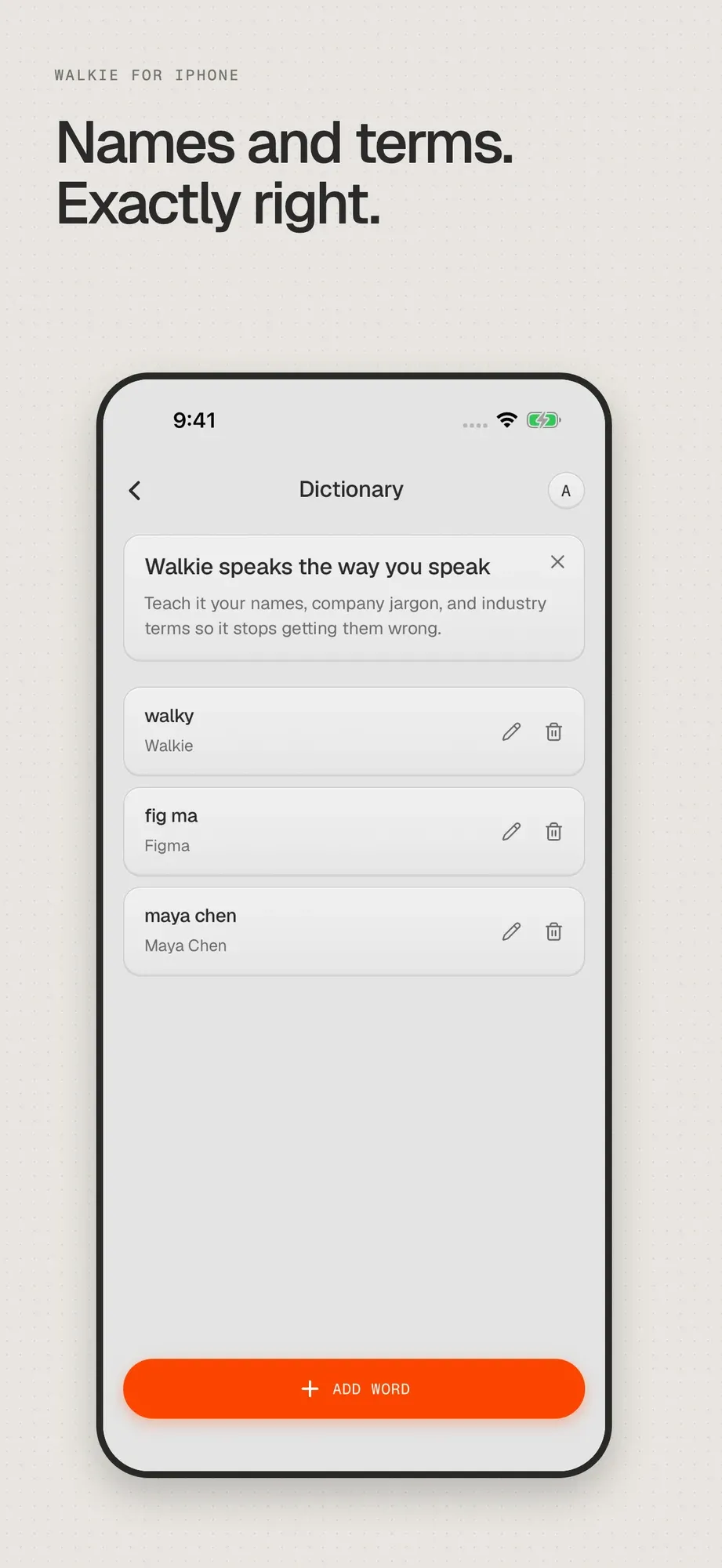
A personal dictionary teaches Walkie names and jargon.